Free printable seating chart templates
You do not need to design a seating chart from scratch, and you do not need to create an account to get a clean one. Below are four blank seating chart templates in PDF, drawn for A4 landscape paper. Download one, print it, and start writing names in pencil.
They are free, they carry no watermark, and there is nothing to sign up for. If your guest list changes (it will), the same layouts exist in our free online seating chart maker, where moving a guest takes one drag instead of one eraser.
Download the four templates
| Template | Best for | Download |
|---|---|---|
| Round tables (8 tables, 8 seats each, name line per seat) | Weddings, galas, birthdays | Download the round tables PDF |
| U-shape (42 numbered seats, open side for service) | Workshops, board meetings, small receptions | Download the U-shape PDF |
| Banquet rows (4 long tables, 10 seats per side) | Family-style dinners, clubs, school events | Download the banquet rows PDF |
| Table list (12 tables, 10 guest names each) | Hand-off to the venue, caterer or host | Download the table list PDF |
Each file is A4 landscape, black and white, and light enough to print on a basic office printer. Each has fields for the event name and the date, and a discreet footer pointing back to this site.
Which template should you use?
Round tables
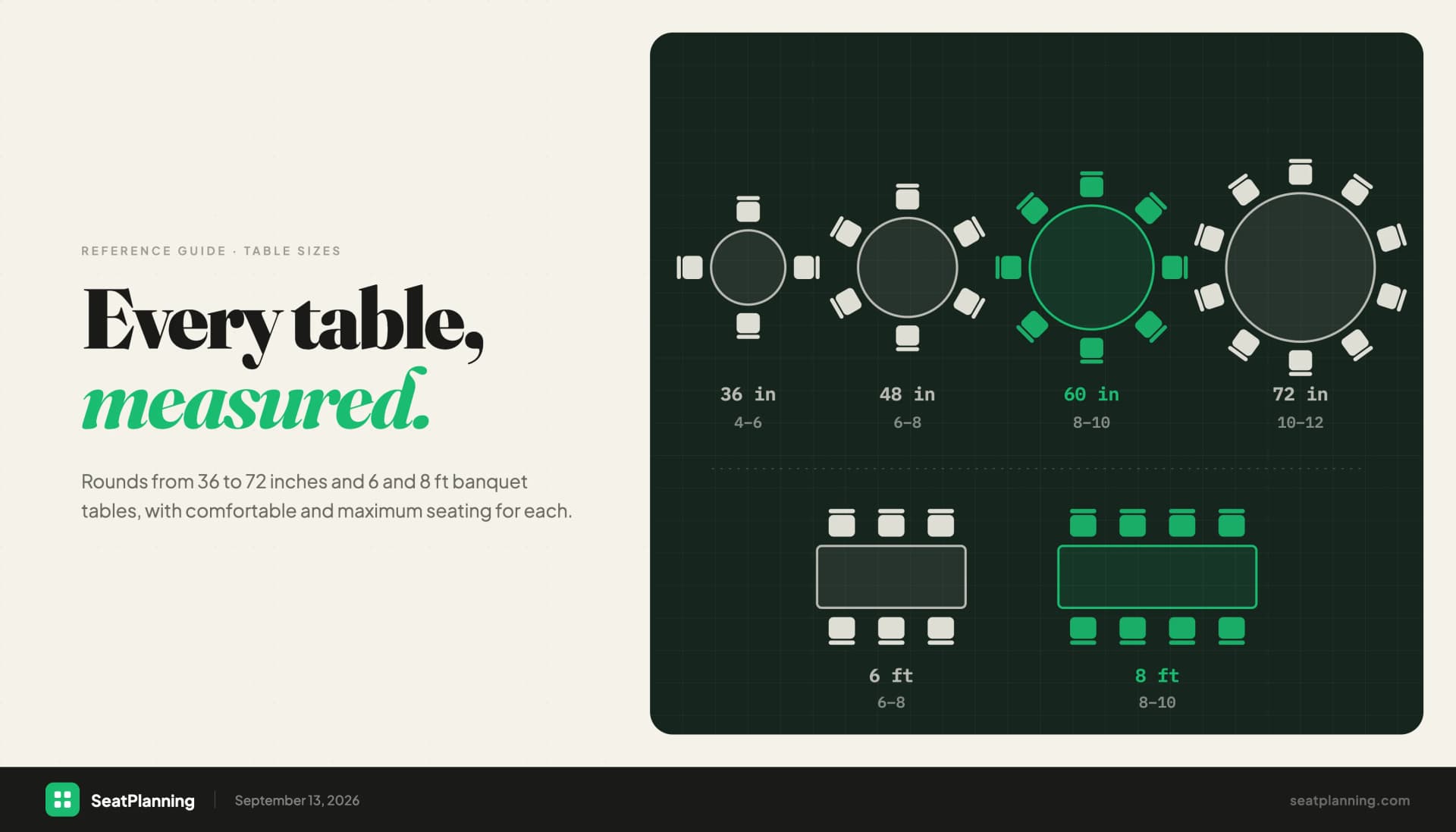
The classic. Eight round tables with eight seats each give you 64 places. Every seat has its own name line running outward from the chair, so you can write directly where the guest sits. Photocopy the page if you need more than eight tables. A 152 cm round table comfortably seats 8; a 183 cm table seats 10 to 12, in which case add a few names around the edge by hand.
U-shape
A U-shape puts everyone in sight of the front, which is why trainers, committees and small receptions like it. Our template has 42 numbered seats around the outside and inside of the U, and a numbered name list in the middle. Leave about 60 cm of table edge per person and at least 1.5 m inside the U so servers or a presenter can walk through. For more layout ideas, see our guide to seating arrangements and when to use them.
Banquet rows
Four long tables with ten seats along each side, so up to 80 places. This suits family-style dining or an association dinner where the table itself matters less than who is across from whom. Standard banquet tables are 2.4 m long and seat 8 to 10; our banquet table sizes and capacity guide has the full numbers.
Table list
A grid with one row per table and ten boxes for guest names. It is the most useful sheet on the day, because it is what the venue manager, the caterer and the person at the welcome desk actually read. Fill it in from your working plan and hand over a clean copy.
When a printable works, and when it does not
A printed template is the right tool when:
- You are seating fewer than about 40 guests at a one-off event.
- Replies are already in, and few changes are expected.
- You want a quick first sketch to discuss with a partner or parent.
- You need a paper copy for the entrance, whatever tool you used to plan.
An online editor is the better tool when:
- Your guest list is larger than 40 or still moving. A single late reply on paper can mean rewriting an entire table.
- You need to keep people apart or together. Rearranging is faster when you can see all the tables at once.
- Several people (partner, planner, parents) need to work on the same plan.
- You want an export that is already tidy: a PDF for the venue and an Excel list for the caterer.
- Your layout is not a standard one: a serpentine table, a half-round or a mix of shapes.
Many people use both: they rough out the plan in an editor, print the table list, and bring a pencilled paper copy on the day for emergencies.
How to fill in a seating chart template
- Count first. Total confirmed guests, plus a few spare seats. Divide by seats per table.
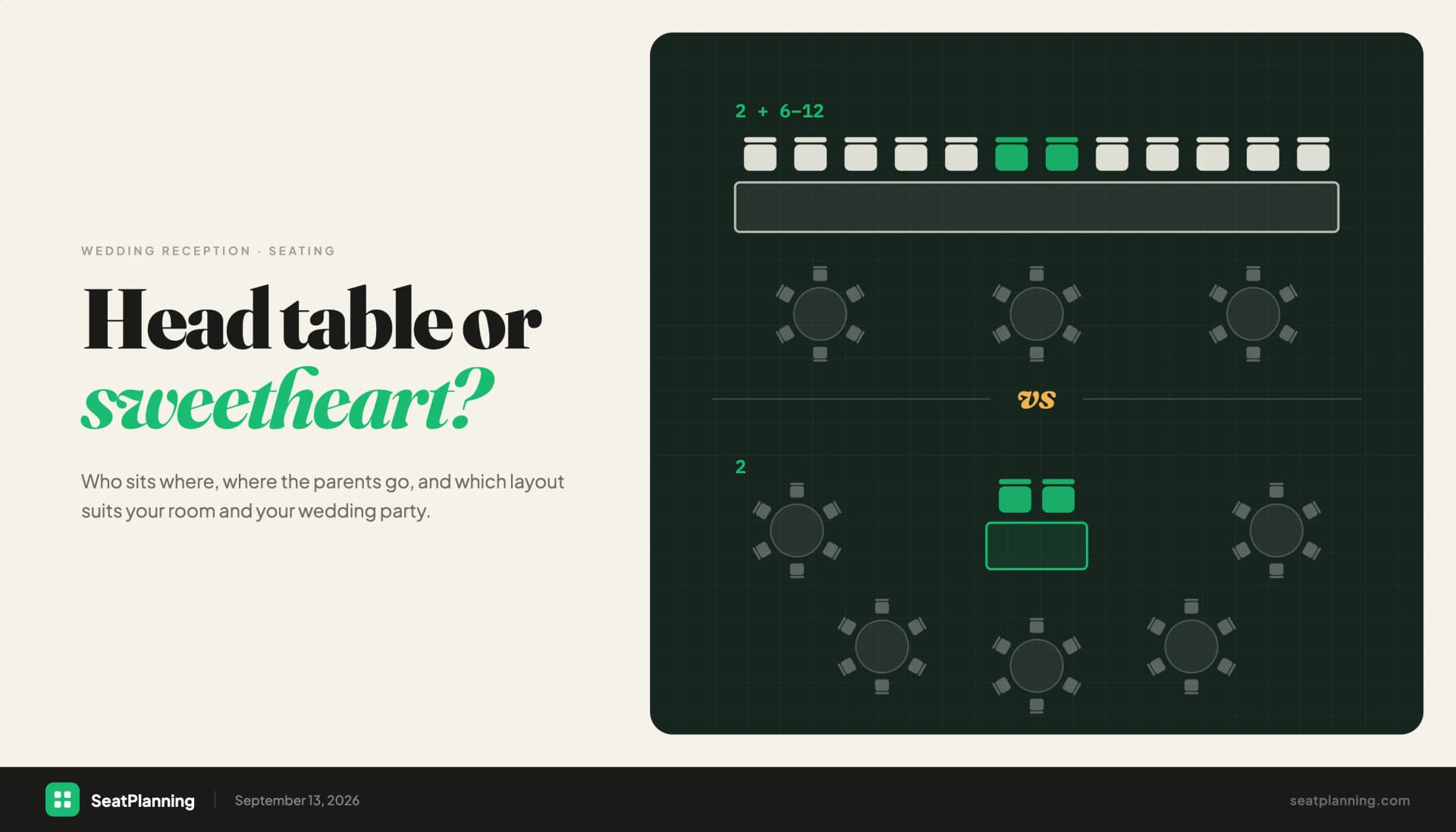
- Place the fixed points. The couple or host, the head table, the parents, anyone who needs step-free access or sits near an exit.
- Seat groups, not individuals. Families, colleagues and friends who know each other go together; sprinkle in a few outgoing guests at tables that might stay quiet.
- Write in pencil. You will change at least five names.
- Transfer the final version to the table list, check it against the guest list one name at a time, and print enough copies for the venue, the caterer and the welcome desk.
For the wedding-specific version of these steps, including divorced parents and the head table, read our complete wedding seating chart guide.
Go digital when the printout gets messy
If your template is already full of crossings-out, switch to the editor. You can recreate any of these layouts in minutes, drag guests between seats, and export a clean PDF whenever you like.
- Free seating chart maker: no signup, build and export directly.
- Ready-made seating chart templates: start from a layout for weddings, banquets, conferences and more.
Frequently asked questions
Are these seating chart templates really free? Yes. The PDFs are free to download, print and share, with no signup, no email address and no watermark.
Can I edit the PDF on my computer? The PDFs are designed to be printed and filled in by hand. If you want to type names, use the online seating chart maker and export a PDF from there.
What paper size do the templates use? A4 landscape (297 x 210 mm). They print correctly on US Letter if you choose "fit to page".
How many guests does each template cover? Round tables: 64. U-shape: 42. Banquet rows: 80. Table list: 12 tables with 10 names each, so 120.
Can I print more than one copy? Yes. Print as many as you need, for example one working copy per planner and a clean list for the venue.